How to deposit using a voucher?
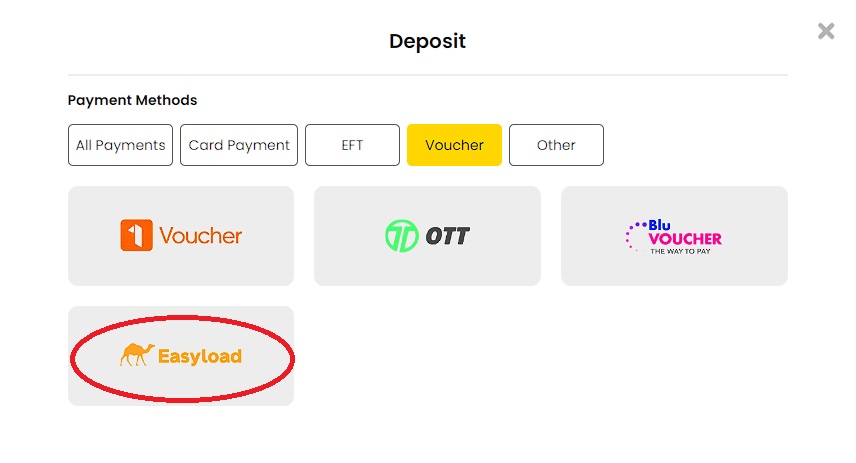
Deposit 1Voucher
LOG IN to your account and click DEPOSIT in the top right corner.
Click 1 Voucher and SUBMIT.
Enter the VOUCHER CODE and your registered mobile number, then click SUBMIT.
The 'Transaction was Successful' message will appear on your screen. Click CLOSE to go back to your home page.

Deposit OTT voucher
Log in to your account and click DEPOSIT in the top right corner.
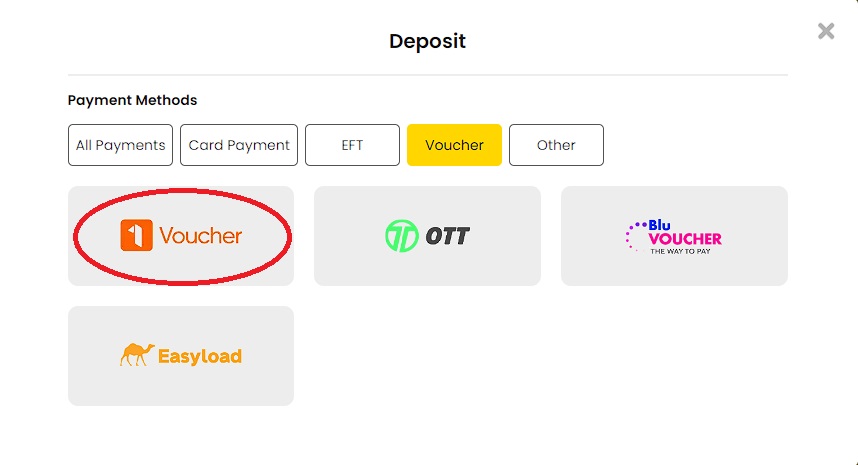
Click Deposit options where OTT is included.
Click on OTT Voucher.
Click SUBMIT.
Enter your OTT voucher code and click Submit to recharge your account.
Deposit Blu Voucher
Log in to your account and click DEPOSIT in the top right corner.
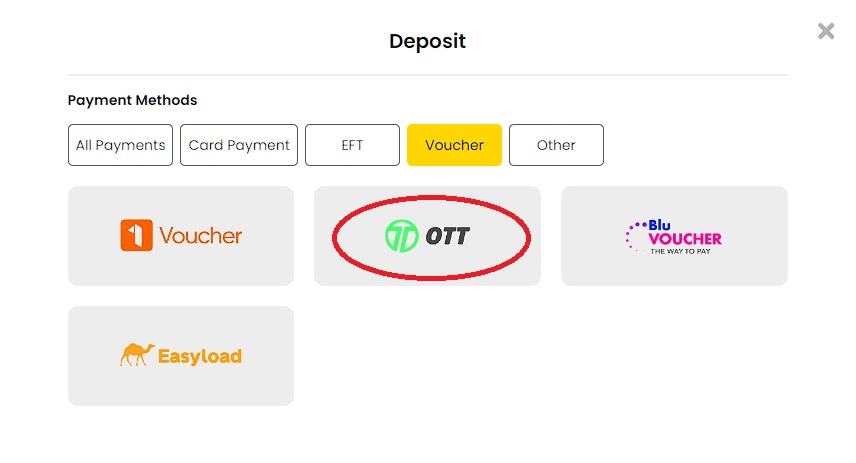
Click BLU VOUCHER.
Enter the Voucher Amount.
Enter the Voucher code and click SUBMIT.
The 'Transaction was Successful' message will appear on your screen. Click CLOSE to go back to your home page.
Deposit Easyload
Log in to your account and click DEPOSIT in the top right corner.
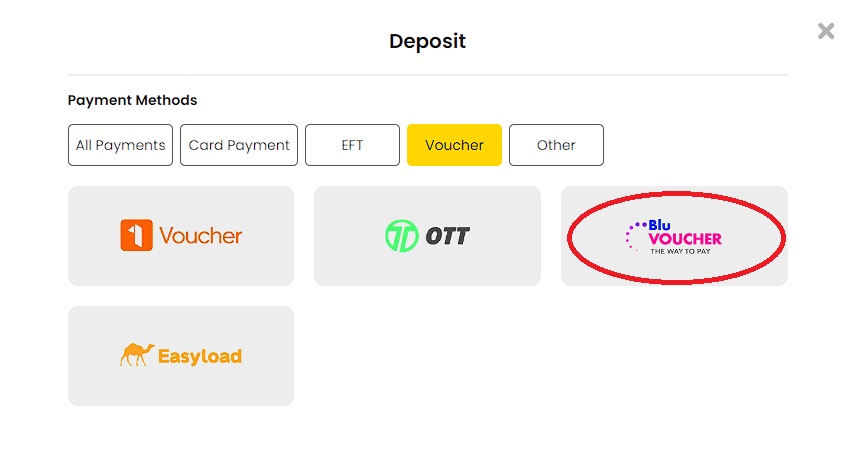
Click EASYLOAD.
Enter the Voucher number and click SUBMIT.
The 'Transaction was Successful' message will appear on your screen. Click CLOSE to go back to your home page.